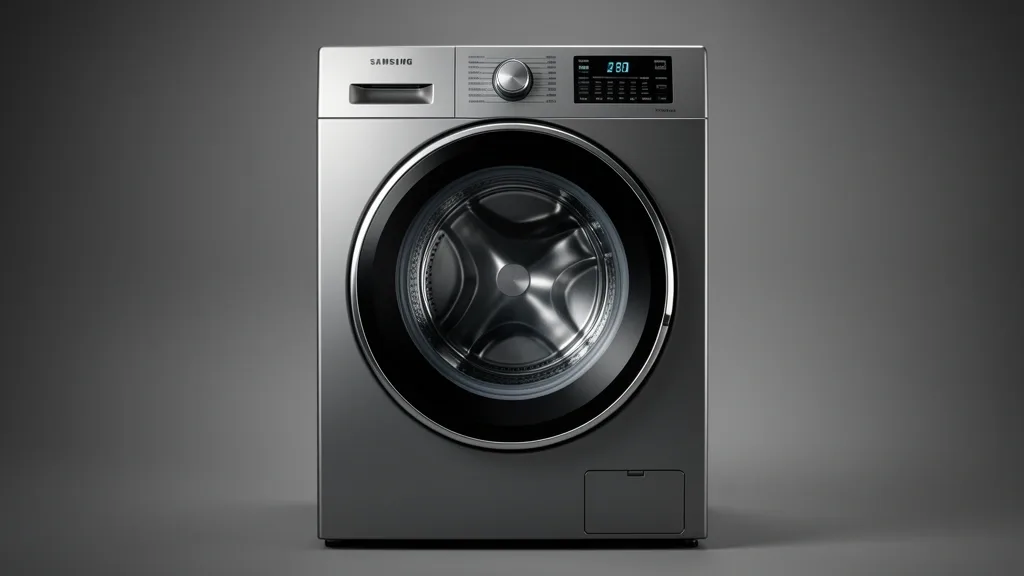
Mastering your samsung washer settings is about more than just picking a cycle. These modern machines run on complex, sensor-driven logic. As a systems engineer, I see countless users blame “defective hardware” when they are actually fighting the machine’s internal energy-efficiency programming. By understanding how your washer interprets inputs, manages water, and executes cycles, you can move from reactive troubleshooting to getting the clean laundry you actually paid for.
Key Takeaways
- Samsung HE washers use load-sensing algorithms to enforce water conservation, meaning your ‘Extra Water’ choice may be ignored if the machine detects a light load.
- Physical installation—specifically drain hose height and perfect leveling—is the most common cause of “unbalanced load” errors.
- Routine resets and understanding your diagnostic matrix save weeks of downtime by clearing logic-board glitches before they become real hardware failures.
Technical Overview of Samsung Cycle Logic
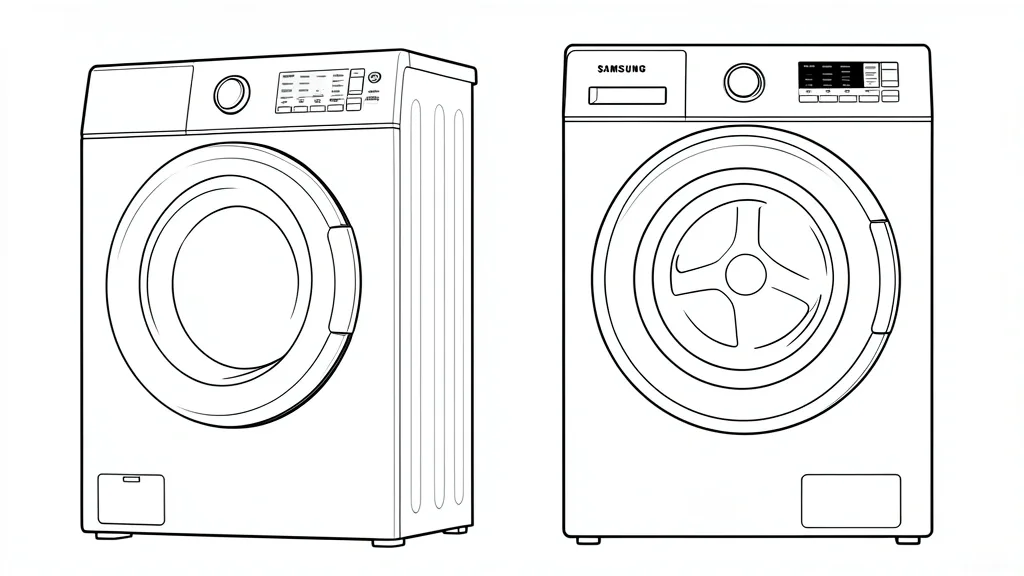
Every modern Samsung washer is built around a High Efficiency (HE) logic board. Unlike old-school agitator models that dump gallons of water into the tub, HE design prioritizes mechanical action over water volume. The cycle logic calculates intake based on an algorithm that weighs your wet fabric mass early in the cycle.
This explains why ‘Extra Water’ or ‘Deep Fill’ options sometimes seem to fail. If your sensors detect an extremely light or highly absorbent load, the EPA-mandated energy standards built into the firmware will override your selection. The machine intentionally restricts water volume to ensure high-friction tumbling occurs.
VRT Plus technology (Vibration Reduction Technology) is another internal gatekeeper. This system monitors drum rotation 1,000 times per minute. If you mix light and heavy items, VRT sensors may force the machine to abort a high-speed spin or limit total water to protect the suspension springs.
If your settings seem unresponsive, try calibrating the machine. Empty the tub, power it on, then press and hold the Temp and Delay End buttons simultaneously. Rotate the dial to select ‘Cb’ and hit start. This clears the memory and allows the sensors to recalibrate based on your floor’s current level.
Don’t overlook the ‘Power Cycle’ reset. If your control panel feels glitchy or won’t start, unplug the machine for at least 5 minutes. This purges the capacitors on the main control board, clearing the software errors that mimic hardware failure. It is the single most effective step in pro-level diagnostics.
Critical Prerequisites for Optimal Wash Performance
Advanced settings are useless if the physical foundations are wrong. First, check your drain hose height. Industry standards require this to be 39 to 96 inches from the floor to the top of the standpipe. Anything lower than 39 inches triggers a “siphoning effect” where water leaves the drum faster than it can be replenished.
Siphoning leads to endless rinse/spin loops where the washer adds water indefinitely, trying to reach a level it can’t maintain. If you see cold-water-only issues or fill-time errors, check your drain setup first. If the hose is jammed too far into a standpipe, it can also create an air-tight seal that prevents the pump from clearing water.
Drum leveling is the second priority. Because these machines use G-force sensors for spin cycles, even a 1/8th-inch tilt can cause an unbalanced load (DC/UE) error. Use a real level tool—ditch the “eyeball test.” If the feet aren’t locked tightly with the locking nuts, micro-vibrations will constantly shift the machine and void your calibration.
Using the wrong detergent is a silent killer. These machines are calibrated for HE-only soap. Conventional detergents create too many suds (surfactants) that confuse the sensors. These suds act like a foam buffer that masks the water level, causing the controller to think the water level is higher than it is. This leads to poor rinsing and lingering odor.
If you’ve been using non-HE soap, your sensor housing is likely fouled. I recommend a deep-clean cycle using a citric acid-based washer cleaner. Do this while empty on the hottest cycle available. This clears the sensors so they can accurately report machine status to your SmartThings app.
Understanding Your Diagnostic Matrix
Samsung washers use alphanumeric codes to flag sensor issues. When the board detects a discrepancy—like a fill time that takes too long or motor resistance—it triggers an error. A 4E code points to a water supply issue, usually low pressure or a clogged sediment screen on the inlet valves.
The “DC” error code is almost always a motor-torque inconsistency. If the drum can’t reach the target RPM, the logic board cuts power to prevent damage to the drive shaft. This isn’t usually a broken motor; it’s almost always a poor distribution of clothing weight.
| Symptom / Error | Possible Cause | Quick Check | Resolution |
|---|---|---|---|
| DC / UE | Unbalanced Load | Check laundry distribution and level | Redistribute load; verify foot lock-nuts |
| 4E | Inlet Water Issue | Inspect cold/hot fill hose screens | Clean inlet valves; check house water flow |
| 5E | Drainage Failure | Check drain hose height (39-96 inches) | Clear pump filter; ensure hose diameter |
| LC / LC1 | Siphoning / Leak | Verify standpipe height | Adjust drain hose to prevent siphoning |
Remember that the software is performing a safety check. A ‘5E’ error often points to a blocked debris filter, but it can happen if the drain hose is submerged in standing water or kinked. The diagnostic logic is binary: it expects X flow for Y pressure. If it finds resistance, it shuts down to save the pump from burning out.
For persistent issues, access the hidden diagnostic mode. Usually by holding a combination like ‘Spin’ and ‘Soil Level,’ you can see real-time voltage and sensor readings. If the voltage fluctuates while the drum is still, you have a bad sensor harness, not a cycle setting error.
Step-by-Step Workflow for Customizing Cycles
Navigating the “My Cycle” Feature
Newer Samsung models often lock down temperature settings on cycles like “Steam.” You can use “My Cycle” to override these factory defaults.
- Selection: Turn the dial to the cycle you want to change, like “Normal.”
- Adjustment: Press Temp, Spin, and Soil Level. If the screen ignores you, the model forbids changes there. Try “Heavy Duty” or “Bedding” instead for more flexibility.
- Activation: Once your settings are selected, hold the “My Cycle” button for three seconds. You’ll hear a chime.
- Execution: Future loads can be started by turning the dial to “My Cycle” and hitting Start.
Handling Temperature Constraints
If you can’t get a “Cold” cycle when you need one:
- Look for an “Eco Cold” cycle.
- Use “Quick Wash” or “Delicate,” as these are naturally lower in temperature.
- Avoid the “Steam” modifier. It forces an internal heater to activate, which will override your cold water supply.
Emergency Recovery: Clearing Codes and Locked Doors
The Hard Power Cycle Procedure
If your washer is stuck in a loop or the door is locked, do this:
- Electrical Disconnect: Don’t just turn the knob. Unplug the machine or flip the breaker to “OFF.”
- Capacitor Discharge: Wait 5 full minutes. This allows the capacitors to drain, clearing the digital memory of the door lock status.
- Re-initialization: Power the unit back on. The machine will perform a self-check and often release the door lock automatically.
Manual Drain and Release
If the door is locked due to standing water in the tub:
- Locate the filter door on the bottom right.
- Place a tray underneath and pull out the black emergency drain tube.
- Remove the plug and let the water drain. Once the water level drops, the electronic lock will disengage.
Common Pitfalls and Performance Hacks
Deciphering the “Scum” Buildup
If clothes smell musty, it is almost always a drainage issue, not a wash cycle issue.
Maintenance Steps:
- Drain Hose Positioning: Ensure your drain hose enters the standpipe between 39 and 96 inches.
- The Baffle Clean: Inspect the drain filter monthly. Run a “Self Clean+” cycle with two cups of white vinegar (and no detergent) to clear biofilms from the pump housing.
- Detergent Dilution: Dilute thick detergents with a little warm water or switch to pods to ensure they actually dissolve during the cycle.
Proactive Long-Term Care and Calibration
Sensor Calibration
If your cycle times are getting short, your strain gauges may have drifted. Calibrate annually:
- Calibration Mode: Empty the drum. Hold Temp and Delay End simultaneously, then press Power.
- Calibration Start: Once the display shows “Cb,” press Start. The drum will spin and weigh itself. When it finishes, it will say “End” or “0.”
- Deep Cleaning: Run the “Self Clean+” cycle every 40 washes. Wipe the door gasket with a 1:1 water/bleach solution after every deep clean to prevent mold.
📌 Save to Pinterest
Frequently Asked Questions
Why does my Samsung washer finish but clothes feel stiff?
This usually means you are using too much detergent. The HE cycle doesn’t have enough water to rinse out the concentrated soap, leaving a starch-like residue on your fabrics.
How do I override water levels for dirty loads?
Samsung washers don’t have a simple “water level” button due to EPA standards. Your best bet is to select the “Bedding” or “Deep Fill” (if available) cycle, which is natively programmed to use more water.
What causes the persistent ‘locked’ door icon?
The icon stays on if there is residual water pressure or if the door mechanism is stuck from heat expansion. Perform a manual drain using the bottom-left tube, then power-cycle the machine.
Why is my HE detergent not cleaning well?
Too much soap creates excessive suds. The sensors detect these suds as a risk, so the machine automatically slows down the tumbling agitation to prevent motor strain, which effectively stops the cleaning process.
Can I customize the soak cycle duration?
Look under your “Option” or “Special” menu for a soak modifier. Manually pausing the cycle is an option, but be careful—this often confuses the digital timer regarding the remaining cycle time.