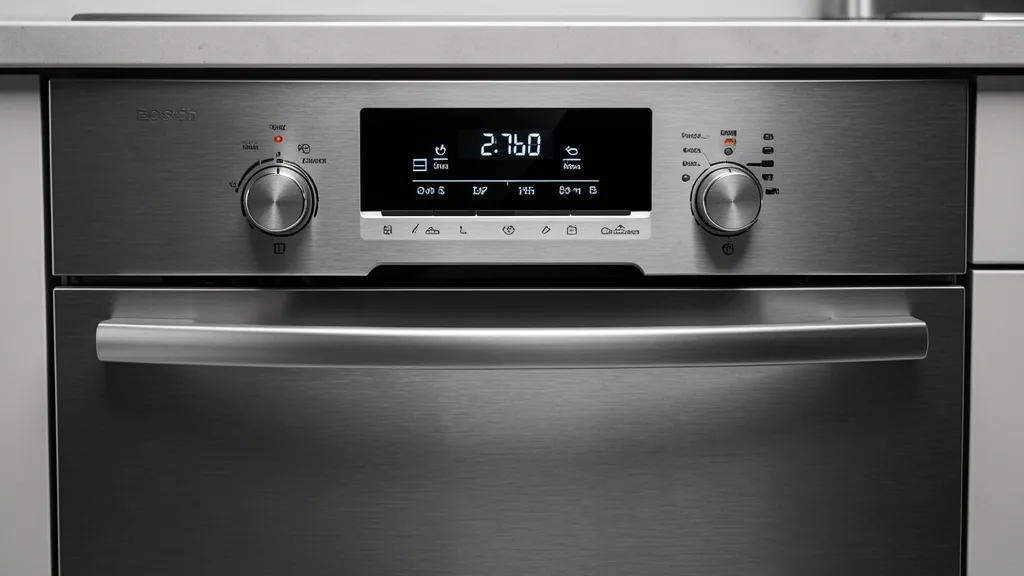
Achieving the best wash performance starts with understanding your Bosch dishwasher settings. These defines how your appliance handles varying US water qualities and load types. As an inspector, I see far too many users defaulting to factory settings when a quick tweak to the hidden menus could revolutionize their cleaning results.
Key Takeaways
- Understand the difference between Top Control and Front Control hidden logic.
- Learn how to access advanced water hardness and rinse aid calibration.
- Identify the critical link between detergent dosing and your specific drying technology.
Technical Overview: Mastering the Bosch Interface
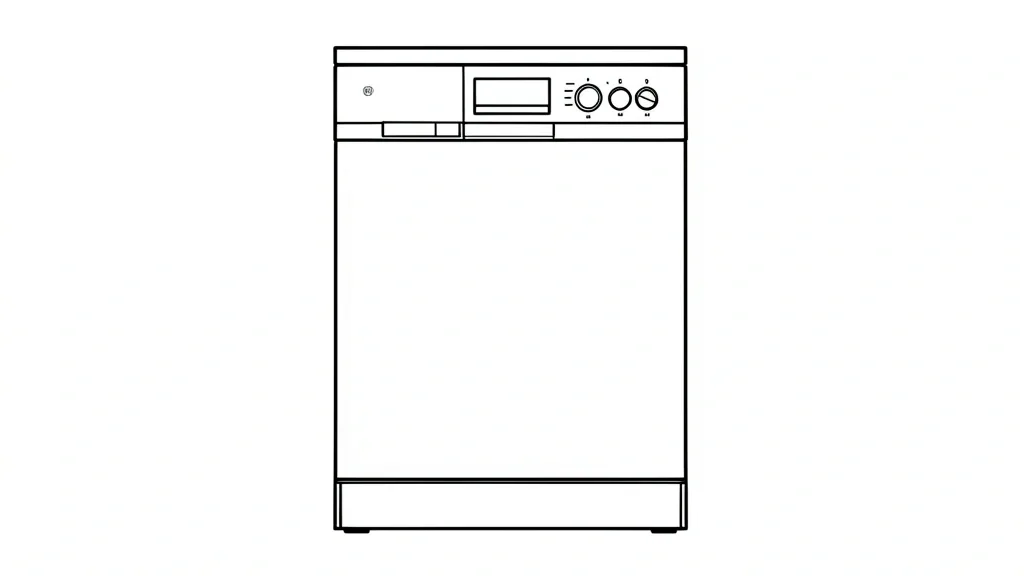
Bosch control panels come in two designs: Front Control (visible display) and Top Control (hidden touch panel). Front-facing models provide constant feedback, but Top Control models use a concealed panel that only reacts when the door is partially opened or fully closed. This requires a more deliberate approach to programming.
Master your primary cycle options—Eco, Auto, Normal, and Express—before looking at sub-settings. Features like the Sanitize cycle or high-pressure PowerControl mode are game-changers for heavily soiled pots or delicate glassware.
Beyond the icon buttons lies the hidden functional menu. You typically enter this by holding down a function button (like “Start” or “Delay”) while powering the unit on. Use this to silence end-of-cycle beeps or adjust display brightness for your kitchen’s lighting.
The Home Connect app acts as a digital remote. Use it to toggle cycle memory or manage complex drying tasks. It provides a user-friendly interface for settings that are otherwise buried in the machine’s internal logic.
Watch the screen hierarchy. The display usually toggles between a leading letter (‘H’ for Hardness, ‘r’ for Rinse Aid) and a numeric value. Understanding this prevents accidental changes to your machine’s foundational configuration.
Check your drying architecture. If your model uses CrystalDry, the menu will include protocols for zeolite mineral regeneration. If you have an AutoAir model, ensure your cabinetry allows proper door clearance. If the door can’t pop open, the logic board will throw a cycle error.
Diagnostic Matrix: Decoding Error Indicators
Bosch uses a standardized blinking code system to signal maintenance needs. A flashing light isn’t just an annoyance; it’s the machine pinpointing a broken feedback loop. The water tap icon, for example, is almost always an inlet issue rather than a computer failure.
| Symptom / Error | Possible Cause | Quick Check | Resolution |
|---|---|---|---|
| Water Tap Icon | Low pressure / Kinked hose | Check the supply line under the sink. | Ensure the inlet valve is fully open and the filter is clear. |
| E:15 | Water in base pan | Check the bottom seal and filter. | Inspect the official Bosch support portal for leak tips. |
| E:22 | Filter blockage | Examine the fine mesh filter. | Clean debris and seat the pump cover flush. |
| E:24 | Drain hose kink | Check the air-gap or drain tubing. | Clear the path and verify the disposal plug is removed. |
When you see E-codes, look for the relationship between the setting and the outcome. An E:15 error is often a real leak, but it can also be a false positive from detergent suds overwhelming the sensor. Always hold Start for three seconds to clear the cache once physical debris is removed.
Watch the Sanitize indicator. If it flashes during the final rinse, your water isn’t hitting 155°F. Your home’s water heater might be set too low, preventing the dishwasher from achieving the necessary heat exchange.
If the display stays active while the door is closed, your latch strike plate might be recessed too far. If the sensor doesn’t detect a sealed door, the cycle won’t initiate.
Core Prerequisites: Water Care and Detergent Synergy
US water hardness varies by neighborhood, which is the #1 cause of cloudy glasses. If you don’t calibrate the water hardness setting, you’ll see mineral filming almost immediately. I suggest buying a simple test kit to find your Grains Per Gallon (GPG) and manually entering it into the setup menu.
Pair your Finish detergents with the machine’s chemistry. Modern US models are engineered for these specific formulas. Cheap or “eco-friendly” detergents often fail to dissolve correctly and leave buildup on your heating elements.
Rinse aid dosage is the final piece of the drying puzzle. If you have a PureDry model, you need a higher rinse aid feed rate to help water sheet off the dishes. If you have a CrystalDry unit, you can lower the dosage, as the zeolite manages moisture much more aggressively.
Update your settings if you move or if your city changes its water source. A setting that worked a year ago might cause etching today if your municipal water supply has shifted.
Proper configuration prevents the mechanical strain caused by calcified pump impellers. It is the real secret to moving from “clean enough” to professional-tier performance.
Step-by-Step Optimization for Superior Results
Configuring PowerControl™ and Intensive Zones
Bosch PowerControl™ directs high-pressure water to specific zones. For caked-on food, load those items in the bottom-left of the lower rack. Hold “Setup” for 3 seconds, navigate to “PowerControl,” and toggle to “Level 2” or “Intensive.” Pair this with the Heavy cycle for the best results on stubborn proteins.
Third Rack Optimization
The Third Rack is for more than just flatware. Arrange utensils flat to avoid water pooling. If you have adjustable racks, use the side-levers to drop the mid-rack for tall stemware. Ensure nothing hangs below the rack, or you will block the spray arm rotation.
Advanced Rinse Aid Calibration
Drying is about water sheeting, not just heat. If you live in a humid area, increase the Rinse Aid (marked ‘d’ or ‘r’) to Level 5. In dry climates, drop it to Level 3 to avoid soapy residue. If you see water droplets on the stainless walls after a cycle, increase your dosage by one increment.
Emergency Recovery and System Resets
The Hard Reset Procedure
If the machine is frozen or error-prone, kill the power at the circuit breaker. Wait 60 seconds for the capacitors to dump their charge. Restore power. If that fails, hold the “Start” button for 5 seconds to wipe the current cycle from memory.
Clearing Home Connect Errors
If your app loses its connection, don’t just restart the machine. Go to the dishwasher display, find “WLAN,” and select “Reset to Factory.” Delete the device in the app and re-pair using the interior door QR code. If the connection drops, force your router to 2.4GHz for the initial pairing.
Restoring Factory Firmware Defaults
If the unit acts erratically, a full factory reset is the best fix. Hold “Setup” for 3 seconds, find “Factory Default,” and hit “Start.” Be ready to re-enter your water hardness calibration, as this is the most critical setting for machine longevity.
Pitfalls and Best Practices for Long-Term Care
Drainage Health and Filter Maintenance
Clean your cylinder filter and fine mesh screen weekly under hot water. Skip the harsh chemicals; use a soft nylon brush. If your sink drain hose sits too low, you’ll get backflow and “water filling” errors. Ensure your hose has a proper high-loop under the sink.
RackMatic® Management
The RackMatic system is precise. Always empty the dish rack before adjusting the height handles to avoid twisting the mechanism. Overloading the middle rack can misalign the spray arm with its docking port, leaving your dishes dirty.
Chemical Lifecycle Management
Don’t overfill the soap dispenser. Concentrated tabs are strong; too much soap degrades your rubber seals and leads to leaks. Adjust liquid detergent levels to your water hardness: use less for soft water to prevent the suds from tripping the float switches.
📌 Save to Pinterest
Frequently Asked Questions
How do I adjust the water hardness settings on my Bosch dishwasher?
Navigate to the ‘Setup’ menu by holding the button for 3 seconds. Scroll to ‘Water Hardness’ (H-level). Use the arrows to set it between H:00 and H:07. Check your local water utility website for your exact parts-per-million (PPM) to get the right setting.
Why is my Bosch dishwasher not drying plastic items even on the highest setting?
Plastics have low thermal mass and don’t hold heat. Even with CrystalDry, plastics often need a quick manual shake to remove standing water. Enable ‘Extra Dry’ and angle your plastics in the rack so water cannot pool in the base.
How can I reset my Bosch dishwasher to factory default settings?
Hold the ‘Setup’ button for 3 seconds. Scroll until you see ‘Factory Default.’ Press ‘Start’ to confirm. The display will blink, indicating the memory is purged. Keep in mind this wipes your custom app schedules and settings.
What is the difference between the Sanitize and Extra Dry cycle options?
‘Sanitize’ boosts the temperature to 156-160°F to meet NSF standards. ‘Extra Dry’ ups the temperature during the final rinse and extends the drying phase. Combine both for maximum performance, though it will make the cycle longer.
Does the Home Connect app provide better control than the physical panel?
The app is better for diagnostics and scheduling, especially for ‘Smart Start’ during off-peak energy hours. For baseline settings like water hardness and rinse aid, the app interface is much easier to read than the cryptic codes on the physical display.