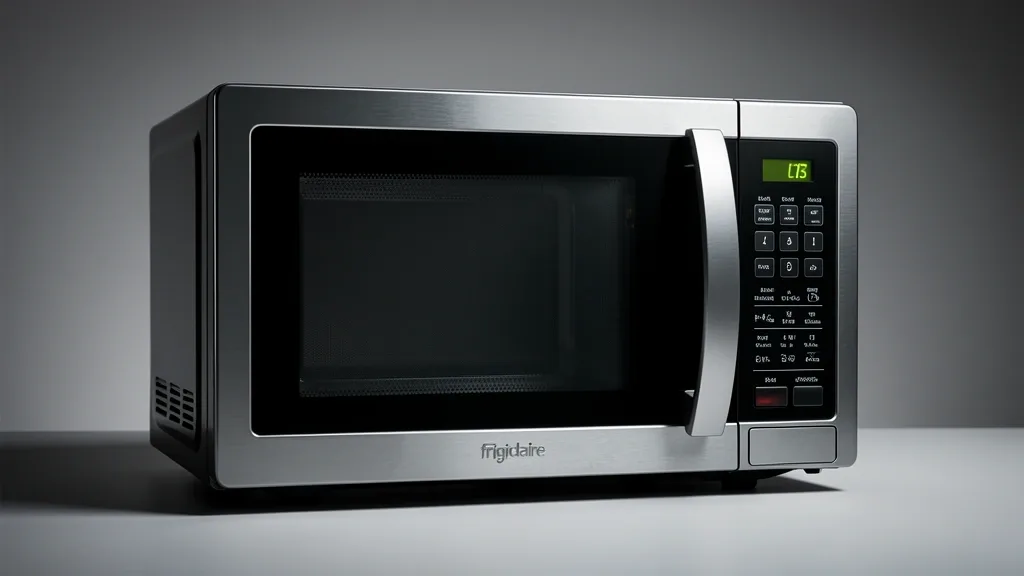
Getting your Frigidaire microwave into silent mode isn’t always as simple as hitting a dedicated “Mute” button. It depends on your appliance’s firmware and how the manufacturer mapped the control panel. Many homeowners find that factory-default beeps are loud or intrusive, but Frigidaire documentation can be vague, especially since the process varies by model year and regional production.
Key Takeaways
- Not every Frigidaire model supports a software-based silent mode; some are hardwired to beep.
- Understand the difference between “Mute” (temporarily silencing) and “Silent Mode” (persistent configuration).
- Avoid guessing codes. Incorrect input sequences can force the touchpad into a lockout state that requires a hard reset.
Understanding Frigidaire Acoustic Controls
There is a big difference between a temporary “mute” override and a permanent system volume change. Most mid-to-high-tier Frigidaire units have a toggle to silence the end-of-cycle signal. However, that’s not always the same as disabling the audible “chirp” you get every time you touch a button.
From an engineering perspective, these units have evolved. Older models used a physical piezo buzzer soldered directly to the main board. These don’t have the firmware registers needed for volume settings. Newer units use pulse-width modulation (PWM) controlled by the logic board. When you enable silent mode on these modern units, you are simply telling the EEPROM to stop sending electrical pulses to the buzzer.
If your model is an older analog-to-digital bridge unit, the logic path to turn off the sound might not exist. The noise is produced independently of the user interface.
Official Frigidaire guides are often sparse because these “Silent Mode” features were originally built for commercial settings like office breakrooms or hospitals. Consequently, the menu paths are often hidden behind “long-press” commands to keep children from accidentally messing with the settings.
If you have inconsistent alert volumes, it’s rarely a software glitch. It’s usually a physical issue. A loose piezoelectric transducer on the back of the control board will rattle and emit a distorted, metallic-sounding vibration rather than a clean beep.
Diagnostic Matrix for Interface Types
You need to know your interface type to figure out how to silence your unit. Membrane interfaces use a flexible Mylar sheet over tactile domes. Digital touch interfaces use capacitive sensing—similar to your smartphone—which handles inputs differently.
| Symptom | Possible Cause | Quick Check | Resolution |
|---|---|---|---|
| Persistent Beep | Hard-coded Buzzer | Identify PCB layout | Hardware mod (not recommended) |
| “Lock” Display | Touchpad lockout | Check “Lock” status | Hold “Stop/Cancel” 3s |
| No Menu Loop | Firmware Limitation | Check model series | Use external timer |
| Ghost Alerting | Moisture ingress | Inspect seal/gasket | Professional repair |
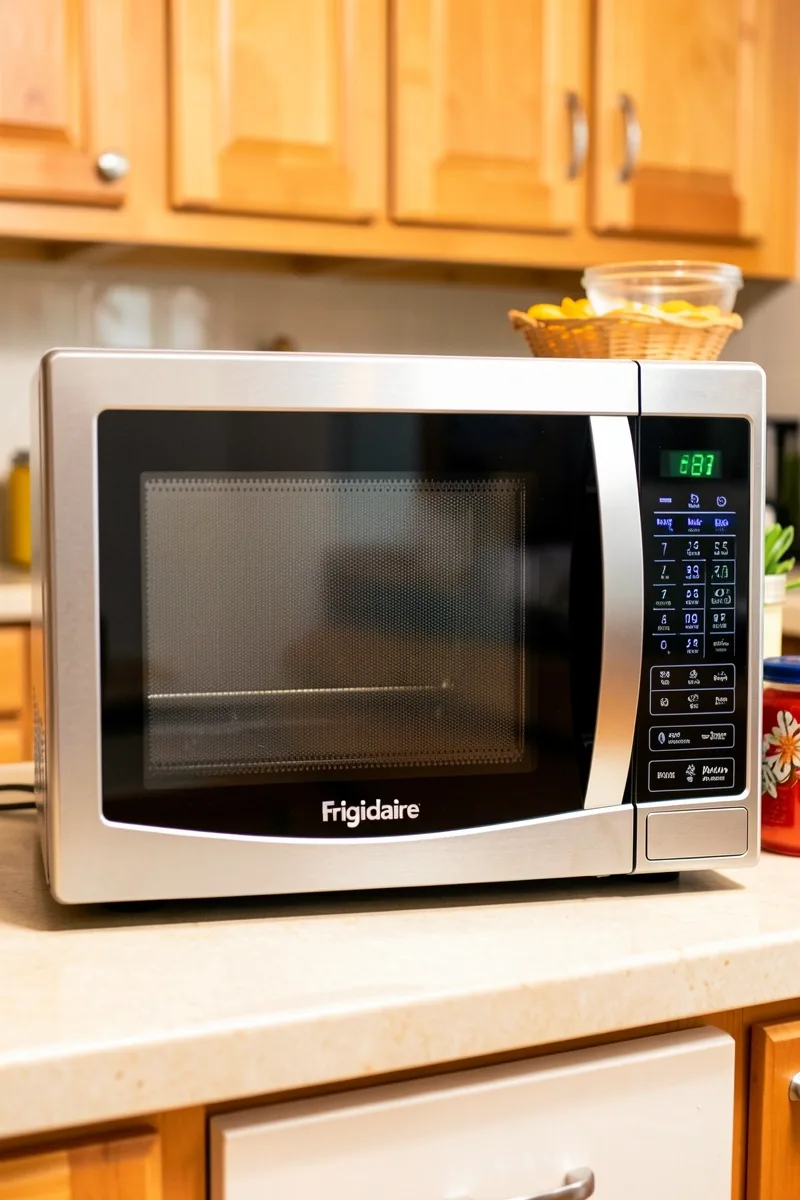
If your microwave has a membrane push-button panel, you can often trigger the firmware override by holding the ‘0’ or ‘1’ key for five seconds while the clock is displayed. Membrane panels require a physical depression, which sends a specific signal the firmware recognizes as a service-level instruction.
Digital glass touch interfaces often prioritize looks over function. They frequently hide volume controls inside a “User Pref” menu that only appears in standby mode. If your interface is a smooth sheet of glass, look for an illuminated “Settings” or “User Pref” icon.
If you guess the wrong silent mode code three times in a row, the board may trigger a “touchpad lockout.” If your display freezes or stops accepting inputs, pull the power at the breaker for 60 seconds. This drains the capacitors and clears the board’s temporary memory.
Be careful with your cleaning habits. Membrane units are sensitive to liquid. If you use heavy sprays, liquid can seep behind the panel and oxidize the ribbon cable contacts. This creates electrical resistance that the board often interprets as “ghost” key presses or erratic beeping.
Safety Precautions and Prerequisites
Before you start, make sure your microwave is in “Standby.” Set the clock and ensure the door is securely latched. If the door is open, the internal interlock switches will block all configuration menu access.
Safety is the priority. I’ve seen too many DIY enthusiasts try to snip buzzer wires on the circuit board. Don’t do this. The buzzer is often part of the circuit path for the magnetron’s high-voltage transformer. Cutting the wrong line ruins the board, voids your warranty, and creates a significant shock hazard.
Check your model number inside the door frame. Frigidaire manufactures hundreds of variants. Using a code meant for an Over-the-Range (OTR) unit on a countertop model can trigger “Error” codes (like 08 or 12) that indicate an interface communication failure.
If your model genuinely doesn’t offer a silent mode, don’t force it. The cleanest, safest “mod” is to apply a piece of high-density sound-dampening tape (the kind used for automotive speakers) over the buzzer port on the back of the control board. It muffles the sound considerably without electrical changes.
Do not spam the keypad. If the silent mode doesn’t trigger on the first try, wait at least two seconds between attempts. Rapid-fire inputs can trigger the board’s “Key Debounce” feature, which freezes the system to prevent damage.
Executing the Silent Mode Workflow
Procedure 1: The “Hold Number” Sequence
Most Frigidaire units from the last decade use this hidden shortcut.
- Confirm the microwave is in “Standby” (showing the time).
- Press and hold the 0 button for 4 to 8 seconds.
- Watch the display for “OFF,” “SOUND OFF,” or “SLTN.”
- Release the button once the display changes.
- Press any other button to test; if it’s silent, you’re set.
Procedure 2: Navigating the “User Pref” Menu
If the “Hold 0” method does nothing, your unit likely uses the deeper User Preference menu.
- Press the User Pref or Settings button. If you don’t see one, try holding the Clock button for 3 seconds.
- Use the number pad to scroll options (1 for Sound, 2 for Weight, 3 for Language). Choose 1.
- The display will show “ON” or “HI.” Switch it to “OFF” or “LO” using the same button.
- Tap Start or Enter to save the setting.
Troubleshooting Logic Table
| Symptom | Probable Cause | Diagnostic Action |
|---|---|---|
| Display ignores input | Keypad lockout active | Hold ‘Cancel/Stop’ for 3 seconds. |
| Buzzer stays on | Software glitch | Perform a hard power cycle. |
| Display blank | Power failure | Check GFCI and main circuit breaker. |
| No reaction | Sensor fatigue | Clean the panel with a dry microfiber cloth. |
Emergency Recovery and Reset Procedures
Hard System Reset
If your interface becomes unresponsive or the buzzer gets “stuck” in a constant loop, you need a hard power-down to dump the volatile memory.
- Locate the Power Source: Check behind the microwave for a plug or look for the dedicated circuit breaker.
- Disconnect Power: Unplug the unit or flip the breaker for 60 seconds to fully discharge the capacitors.
- Manual Cycle: With the power off, open the door. Press the “Start” and “Stop/Cancel” buttons a few times to bleed any residual charge.
- Restore Power: Plug the unit back in or reset the breaker.
- System Initialization: The unit will prompt you to set the clock. The buzzer volume should reset to the default “On” position.
Navigating Hardware Limitations
Understanding Hardware Constraints
Some entry-level Frigidaire models simply lack the firmware hooks for a mute function. The buzzer is a basic component hardwired to the alert signal. If your manual doesn’t list volume control, your microwave doesn’t support it.
The Risk of DIY Modification: Opening the case to desolder or seal the buzzer is dangerous. High-voltage capacitors can hold a lethal charge even when unplugged. Plus, the buzzer is a safety feature—don’t disable it if you need the audible reminder that your cooking is done.
Professional Consultation: If the microwave is making an abnormally loud, screeching, or rattling noise, that’s not a settings issue. It’s a failing component. In that case, call a pro; you likely need a board replacement.
Long-Term Appliance Noise Management
Interface Hygiene
A “noisy” microwave is often just a dirty one. Grease and steam can build up under the membrane, causing the sensors to trigger erratically. Keep the panel clean with a microfiber cloth and keep the vent filters clear (every 3 months) to prevent steam from damaging the internals.
There is currently no way to upgrade, flash, or update the firmware on a standard home Frigidaire microwave. If the menu isn’t there, it simply isn’t there. Focus on keeping the unit clean, and if you truly need a silent microwave, verify the feature via the manual before your next purchase.
📌 Save to Pinterest
Frequently Asked Questions
Can all Frigidaire microwave models be set to silent mode?
No. Newer, higher-end models usually support it, but many entry-level models lack the software to dim or disable the buzzer.
Why does the mute function reset after a power outage?
The setting is stored in volatile RAM. A power outage wipes the memory, reverting the board to the factory default “On” setting.
Does the silent mode disable the door-open alert?
No. “Silent Mode” only handles user-input beeps and the end-of-cycle chime. It will not silence critical safety alerts, such as the alarm that warns you if the door is ajar.
How do I determine if my specific model supports volume control?
Check the “User Preferences” section in your manual. If the terms “Sound,” “Volume,” or “Buzzer” don’t appear in the index, your unit likely does not have this capability.
Is it possible to hardware-mute the buzzer if the software settings don’t allow it?
Avoid hardware modifications. Disassembling the unit is risky due to high-voltage components and voids your warranty. It is safer to use an external timer if the audible beeps are a significant issue.