Dell Keyboard Backlight Settings: Complete Calibration & Troubleshooting Guide

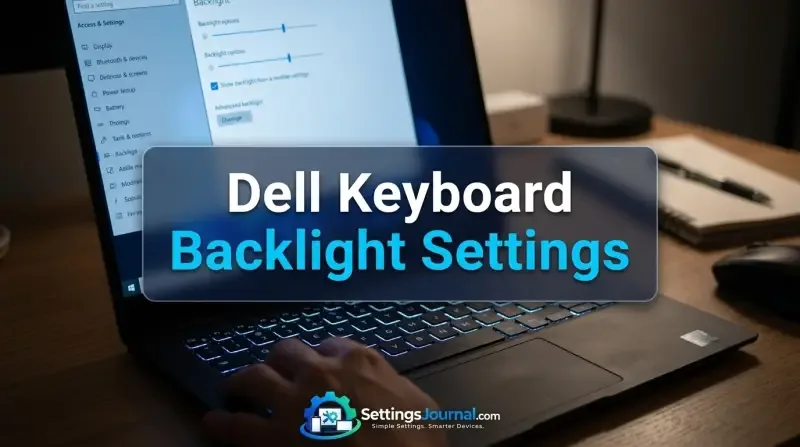
Dell Keyboard Backlight Settings

Quick Answer: To activate your Dell keyboard backlight, press the Fn + F10 (or F6/Right Arrow) key combination. If the light does not trigger, restart the system and tap F2 to enter the BIOS, where you must verify that “Keyboard Illumination” is set to “Dim” or “Bright” under the System Configuration or Keyboard menu. Calibration … Read more

Ibuypower Mouse DPI Settings: Calibration & Hardware Guide

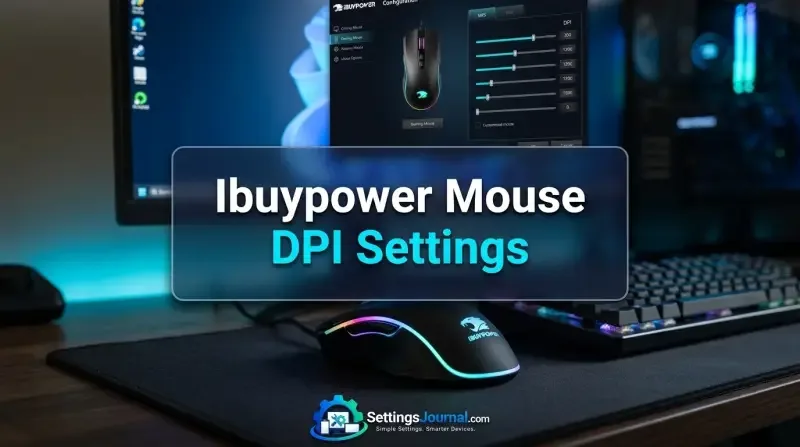
Buypower Mouse Dpi Settings

Quick Answer: To adjust the DPI on an iBUYPOWER bundled gaming mouse, locate the physical button positioned directly behind the scroll wheel. Pressing this button cycles through the mouse’s pre-programmed sensitivity stages. Because these devices are plug-and-play, there is no proprietary software for custom DPI mapping; you must identify your active setting by observing the … Read more