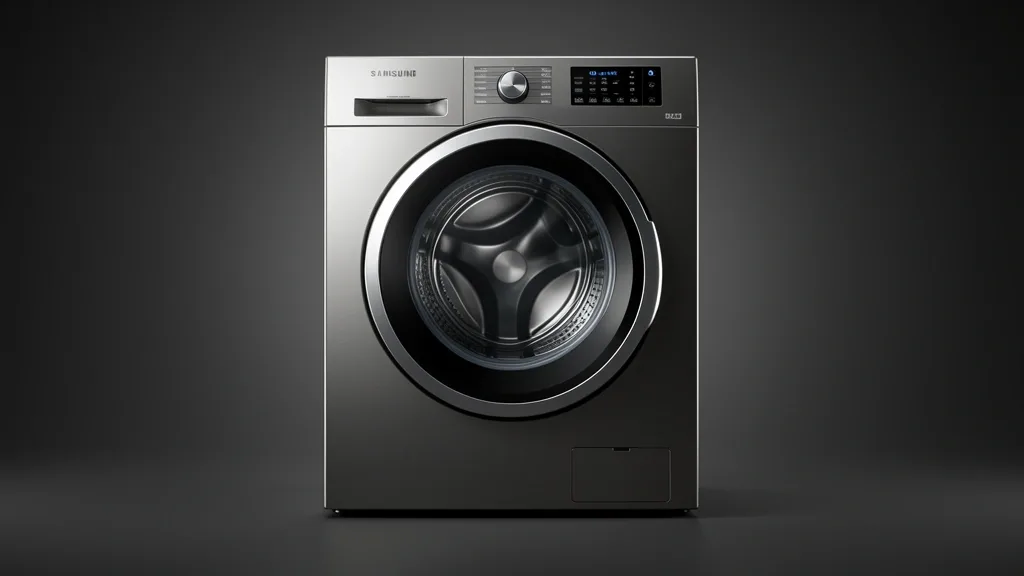
Mastering your samsung dishwasher modes settings is the primary differentiator between achieving professional-grade sanitation and dealing with persistent food soil residue. Modern dishwashing technology relies on complex algorithmic feedback loops. Failing to align the correct mode with your specific load profile results in wasted water, higher utility bills, and premature component wear. This analysis serves as your foundational guide to the internal logic governing your machine.
Key Takeaways
- Samsung dishwashers use turbidity-based sensors to adjust cycle duration based on real-time water clarity.
- Optimizing wash quality requires balancing inlet water temperature with the chemical reactivity of your detergent.
- Features like Sanitize and StormWash operate on fixed parameters that override standard sensor logic to guarantee performance.
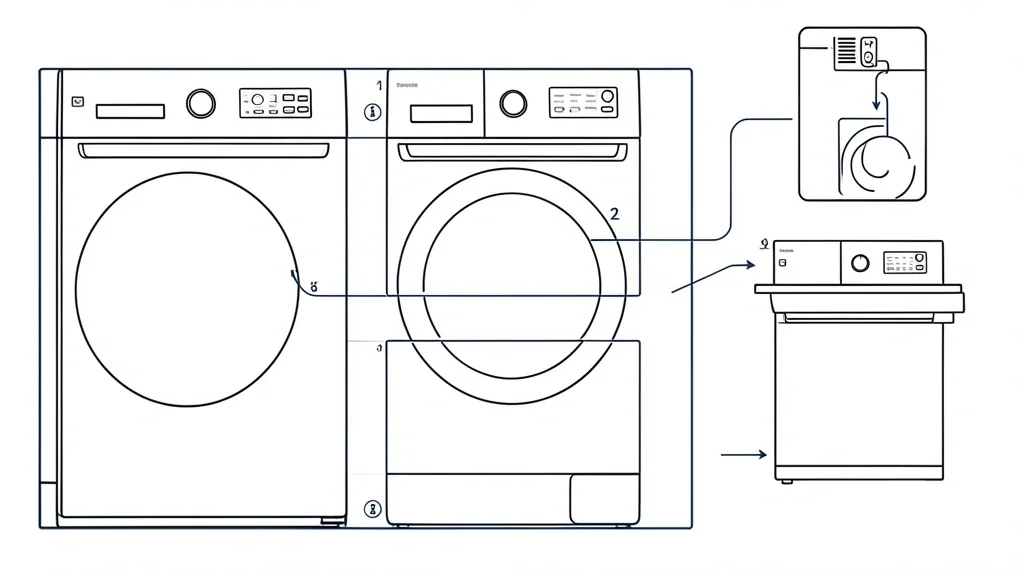
Technical Overview: Understanding Samsung Cycle Logic
Samsung’s intelligent dishwashers use soil-sensing technology as the central nervous system for every cycle. At start-up, the machine performs an initial fill and a brief circulation to measure the cloudiness, or “turbidity,” of the water passing through the sensors.
If the water remains clear, the control board shortens the cycle to boost energy efficiency. If the system detects high levels of particulates, the logic gates extend the wash duration, add extra rinses, and increase heating element output to break down proteins and starches.
This dynamic adjustment differentiates “Auto” modes from fixed-time modes like Express 60. In Auto mode, the CPU constantly recalibrates based on real-time feedback. No two cycles of the same load will necessarily last the exact same duration.
The StormWash cycle acts as a high-pressure override. It uses dedicated spray jets designed to tackle baked-on casseroles. It bypasses standard sensor modulation to ensure maximum mechanical agitation, regardless of whether the water is debris-free.
Triggering the Sanitize or High Temp setting forces the appliance to meet a specific water temperature threshold, typically 150°F or higher. These settings force the logic to ignore energy-saving modes, ensuring compliance with NSF/ANSI standards.
Even when using SmartThings remote control, the physical requirements remain. The machine continuously balances chemical residence time against thermal input to ensure every dish meets a set standard of clean.
The Diagnostic Matrix: Identifying Your Load Profile
| Load Profile | Recommended Mode | Thermal Target | Efficiency Impact |
|---|---|---|---|
| Daily Mixed Loads | Auto | Variable | High |
| Lightly Soiled Glass | Express 60 | Standard | Medium |
| Caked-on Cookware | StormWash | Maximum | Low |
| Delicate Fine China | Delicate | Low | Medium |
Matching your load profile to the right setting requires understanding soil adhesion. For most daily usage, the Auto setting is the gold standard. It uses the turbidity sensor to optimize time before the detergent even fully dissolves.
For baked-on food, the StormWash cycle is non-negotiable. Using standard cycles for heavily soiled items causes “re-deposition,” where food particles are filtered improperly and dried back onto your clean dishes during the final rinse.
The Express 60 cycle is built for speed, not intensity. It is optimized for loads with light, non-hardened soils. If you use this on a full load with dried oatmeal or heavy proteins, it will fail because the short duration prevents your detergent from reaching correct enzymatic activation.
The Half Load setting reduces water usage by skipping the logic required to fill the entire lower sump. Be aware that this can decrease water pressure if the spray arm cannot maintain volume in the system.
When choosing between Heated Dry and Air Dry, consider your materials. Plastics typically require Heated Dry for evaporation. Glass and stainless steel usually reach sufficient temperatures to perform effective Air Dry evaporation without extra energy.
Delay start programming isn’t just for electricity demand. It allows you to run the cycle after clearing the cold water from your home’s plumbing, ensuring the unit pulls in true hot water immediately.
Prerequisites: Preparing for Optimal Wash Performance
Before starting a cycle, verify your local water hardness. Samsung dishwashers, especially those with internal water softeners, rely on specific mineral-to-salt ratios to prevent calcium buildup in the nozzles.
Water inlet temperature is the most overlooked factor. Most dishwashers require a minimum of 120°F to ensure enzymatic detergents activate properly. If your water heater is set too low, the Express 60 cycle will leave a soap film that is nearly impossible to remove.
Detergent-to-rinse-aid ratios influence performance, especially with low-phosphate detergents. Rinse aid is a surfactant that reduces water surface tension. Without it, Heated Dry will simply bake mineral deposits onto your glassware.
Proper stacking is a physical prerequisite. If you block the spray arm or the detergent dispenser door, advanced sensor logic cannot help you. Keep tall platters away from the detergent lid and the spray arm rotation arc.
Periodically inspect the filter assembly. If grease and debris accumulate on the filter mesh, the sensor may misinterpret dirty water as “clean,” causing it to terminate the cycle prematurely.
Check the official Samsung Support Center to ensure your model’s firmware is updated. Some new models receive updates via SmartThings that recalibrate sensor sensitivity for regional soil profiles.
Workflow: Professional Step-by-Step Cycle Selection
Phase 1: Basic Cycle Selection
For standard daily operations, follow these steps to interface with the turbidity sensors:
- Power Up: Press the ‘Power’ button. The panel will illuminate.
- Define Load Intensity: Toggle the ‘Cycle’ touch pad. If your dishes have been sitting, select ‘Auto’. This uses the turbidity sensor to detect clarity and adjust usage.
- Initialize Secondary Options: Press buttons for ‘Sanitize’ for home hygiene or ‘High Temp’ to assist detergent mobilization.
- Activation: Press ‘Start’ or ‘Start/Pause’ and close the door within 3 seconds to initiate.
Phase 2: Customizing Advanced Modes (Half Load & StormWash)
- Half Load: Press ‘Half Load’ before ‘Start’. This deactivates specific water delivery zones to save significantly on water.
- StormWash Activation: Place heavy pans directly over the back-left jet. Press the ‘StormWash’ key. The cycle time will increase by 10 to 20 minutes as the unit gains pressure.
- Delay Start Management: Press ‘Delay Start’ and increment to 24 hours. This aligns perfectly with off-peak electricity rates.
Ensure your detergent is compatible with your cycle. Express 60 cycles perform better with liquid or gel detergents that dissolve faster than heavy-duty tabs.
Emergency Recovery and Reset Procedures
If your Samsung dishwasher becomes unresponsive, caught in a loop, or displays a ‘Cycle Error’ (like 4C, LC, or PC), perform a hard system reset. Note that this is a high-voltage appliance.
The Manual Hard Reset Sequence
- Power Isolation: Flip the circuit breaker dedicated to the dishwasher to the ‘OFF’ position.
- Drain Capacitance: Leave the unit disconnected from power for 20 minutes. This allows internal capacitors to discharge and clears volatile memory.
- Re-engagement: Flip the breaker back to ‘ON’.
- Control Verification: If an error code persists, it indicates a hardware fault like a failing drain pump or water inlet valve.
Troubleshooting ‘Cycle Errors’
- Obstruction Check: Ensure utensils haven’t fallen, blocking the turbidity sensor or spray arm.
- Water Pressure: Code ‘4C’ means a supply issue. Check your intake hose for kinks.
- Leak Detection: Code ‘LC’ or ‘LE’ trips the leak sensor. If there is no standing water, the sensor itself may be dirty or faulty.
Common Pitfalls and Performance Bottlenecks
Most frustration comes from “pre-cleaning” habits that interfere with internal logic.
The Over-Rinse Paradox
Modern Samsung dishwashers use turbidity sensors to measure water opacity to determine wash intensity. If you rinse your dishes until they are pristine, the sensors “conclude” the load is clean. This causes the machine to cut cycle time significantly, leading to inadequate sterilization. Scrape the food, but do not rinse.
Express Mode Calcification
The ‘Express 60’ mode is for light-duty, frequent cleaning. If you use it exclusively, your components never reach the sustained temperatures needed to break down mineral scale and fats. Over time, this calcification insulates the heating element and can cause premature sensor failure. Run a ‘Heavy’ or ‘Sanitize’ cycle every 4-5 washes to flush the system.
Long-Term Care and Maintenance Cycles
Maintenance is the primary factor in an appliance’s five-year lifespan. Samsung units include a ‘Self-Clean’ cycle for interior hygiene.
Executing the Self-Clean Cycle
- Empty the Unit: Ensure the tub is empty.
- Apply Cleaning Agent: Use a specialized dishwasher cleaner or a small amount of white vinegar in a dishwasher-safe bowl on the top rack.
- Select Maintenance: Navigate to ‘Self-Clean’. On many models, this is a secondary function activated by holding ‘Sanitize’ or ‘High Temp’ for 3 seconds.
- Manual Filter Scrub: ‘Self-Clean’ does not replace physical maintenance. Remove the circular filter, rinse it under hot water, and clear the mesh. A clogged filter is the top cause of poor drying performance.
Treat the dishwasher as a precision machine. You will find that keeping the seals, sensors, and filters clean ensures factory-level performance for years.
📌 Save to Pinterest
Frequently Asked Questions
Why does my Samsung dishwasher cycle time change during the wash?
This is a function of the soil sensor. If your dishwasher detects the water is cleaner than expected early in the cycle, it prunes time to save water and energy. This signifies an efficient, well-functioning sensor.
Is the Express 60 setting effective for heavily soiled dishes?
No. Express 60 is for light, everyday items. Using it for baked-on food results in poor cleaning because the cycle lacks the time required for enzymatic activation and skips the high-temperature sanitizing rinse.
How does the StormWash mode differ from the Auto cycle?
Auto cycle uses sensors to modulate general cleaning based on overall load density. StormWash is a high-pressure, zone-specific feature that diverts massive water pressure to specialized rear jets. It provides aggressive, localized cleaning that the Auto cycle cannot replicate.
Can I adjust the drying temperature settings?
You cannot manually input degrees. However, you can toggle ‘Sanitize’ or ‘Extra Dry’. Extra Dry increases the final rinse temperature and extends the fan-assisted phase. If plastics do not dry, it is usually because they lack thermal mass for evaporation, not a machine setting failure.
What is the most energy-efficient mode for daily loads?
The ‘Auto’ cycle is the most efficient choice because it calibrates water usage to the detected soil. It prevents the machine from wasting water, striking the perfect balance between performance and consumption.